كيف نقوم بتفليش ملف روم بصيغة Pac على هواتف اندويد.
.Your Android device should have at least 40-50 percent of battery to perform the flashing process
يجب توفر نسبة شحن في البطارية فيما لا يقل عن 40-50 % لإجراء عملية التفليش.
. If in case Driver is already installed on your
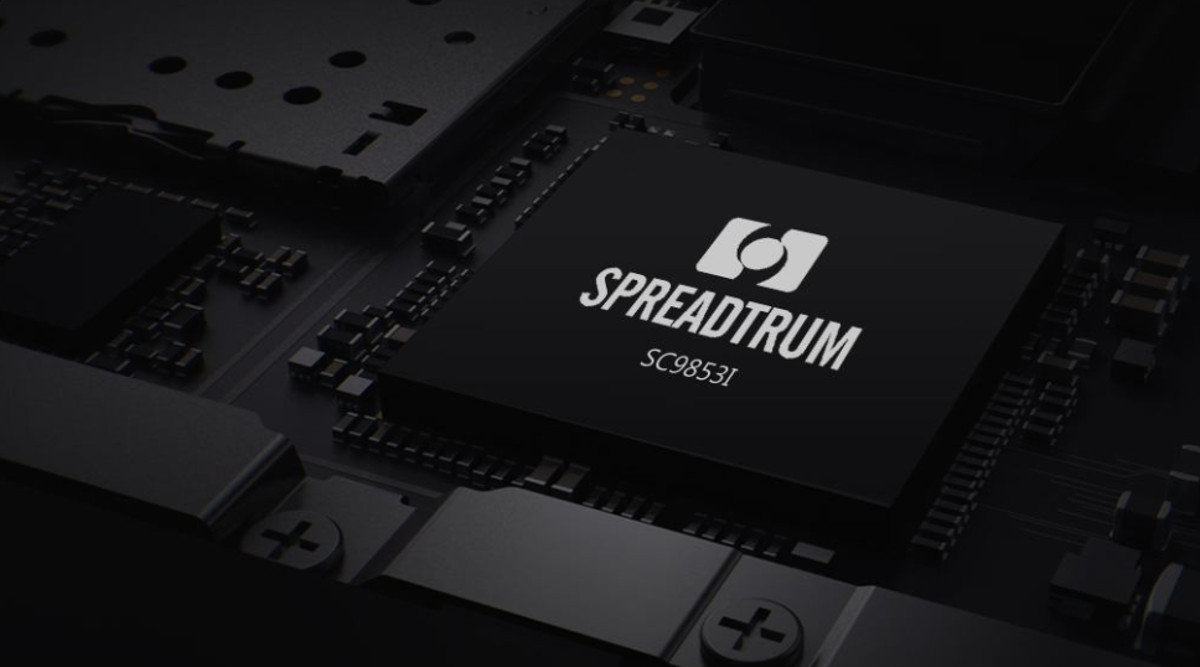
نقوم بتحميل التعاريف من هنا الخاصة بالاجهزة التي تحتوي على معالج spradturm
.Download Stock Rom (pac) for your Android Device
بعد ذلك نقوم بتحميل الروم الذي يكون بصيغة Pac لهاتفك الاندرويد.
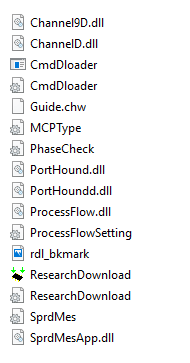
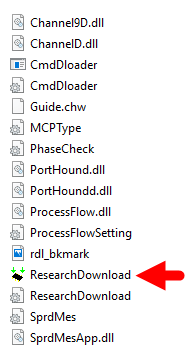
Download SPD Upgrade Tool or SPD Research Tool and extract on your computer. After extracting, .you will be able to see the following files
بعد ذلك نقوم بتحميل أداة التفليش الخاصة بهذا النوع من المعالج و نقوم باستخراج الملفات على الحاسوب الخاص بك و ستكون بهذه الصورة.
Once Spreadtrum Upgrade Tool is launched, connect your Android device to the computer and make sure your device is switch off
حالما نشغل الأداة نقوم بتوصيل الهاتف و نتأكد انه بوضع إيقاف التشغيل أو Off.
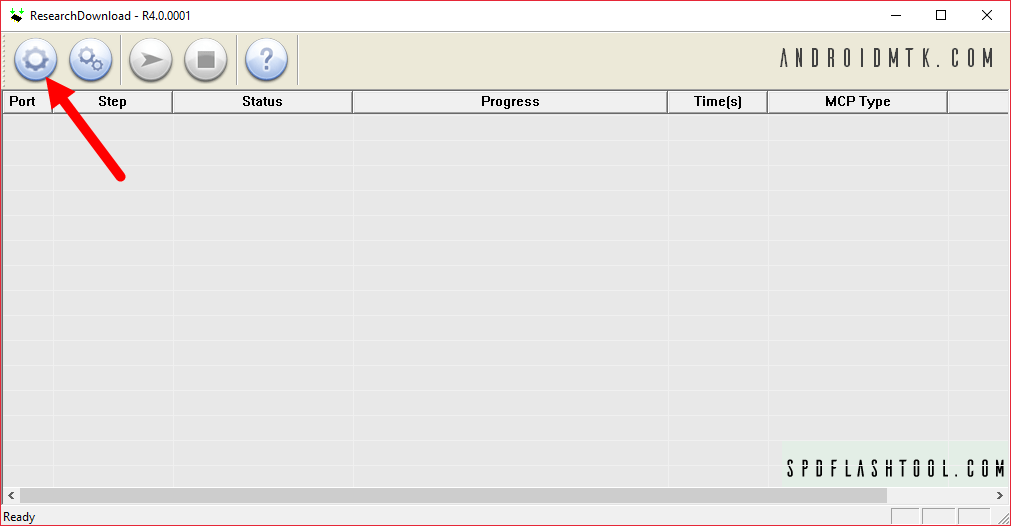
Once your Smartphone is connected successfully to the computer, click on the Load Packed Button and add the pac file _stock rom which comes as .pac
حالما يتم التوصيل على الكمبيوتر نقوم بالضغط على زر تحميل الروم كما في الصورة و نختار الملف المراد.
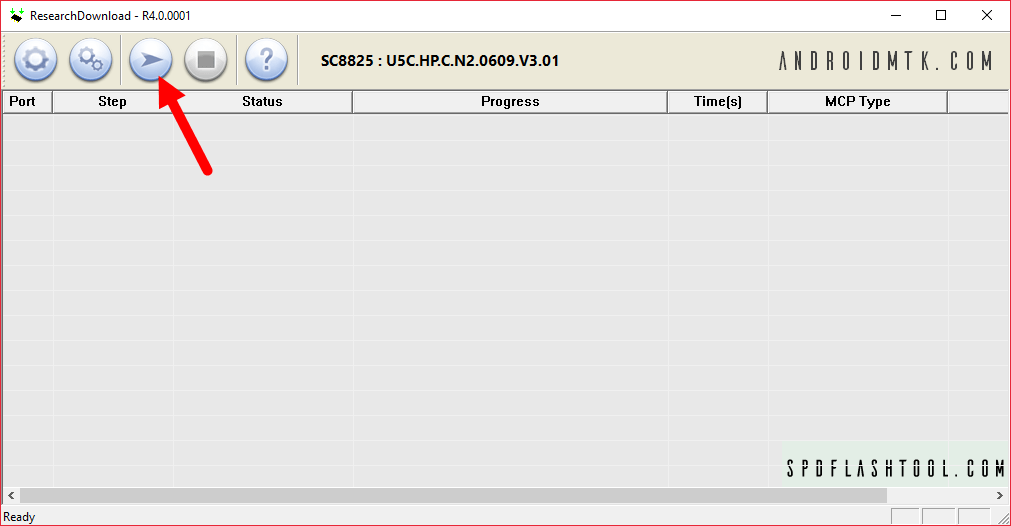
Once you have successfully added the Pac file in Spreadtrum Upgrade Tool, click on the Start Downloading button to begin the flashing.
للبدء بعملية التفليش بعد إضافة الملف الى الأداة نقوم بالضغط على زر Start downloading
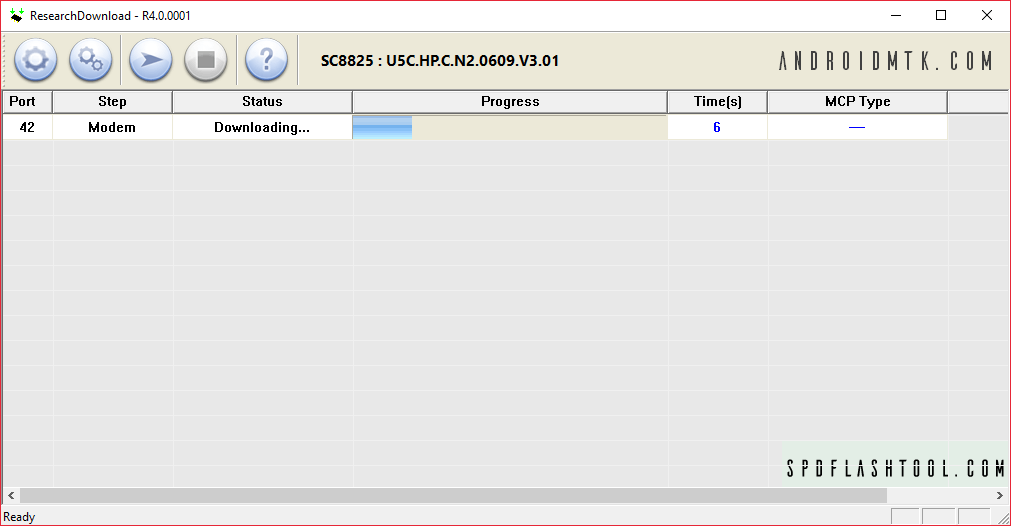
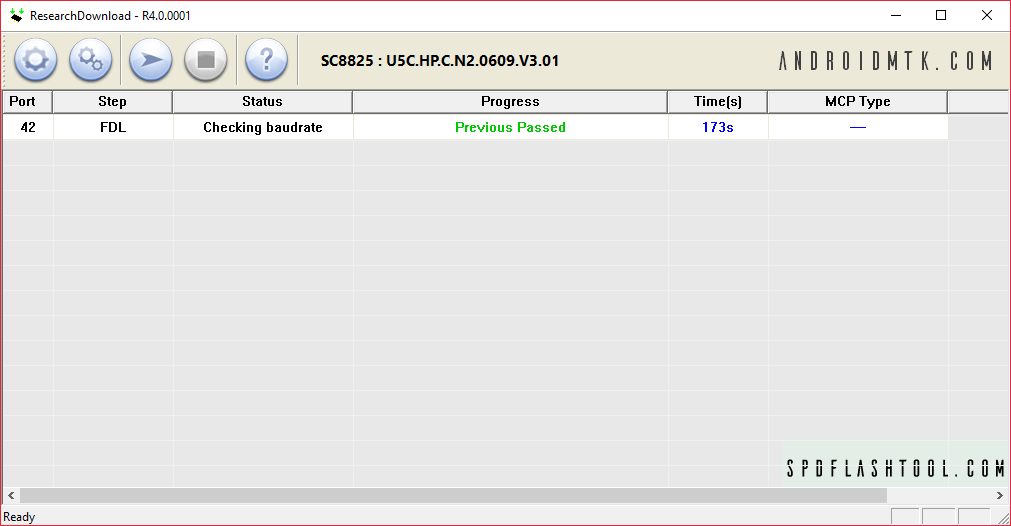
During the flashing process your device will restart automatically. Once flashing is completed, you will be able to see the Green Passed Message in Spreadtrum Upgrade Tool.
خلال عملية التفليش سيقوم بإعادة التشغيل بشكل تلقائي حالما تتم عملية التفليش بشكل كامل و ستظهر رسالة انتهاء التفليش الخضراء التي سوف تخبرك بأن التفليش قد انتهى









 Telegram Channel
 WhatsApp Channel
 Facebook Page
 YouTube Channel