
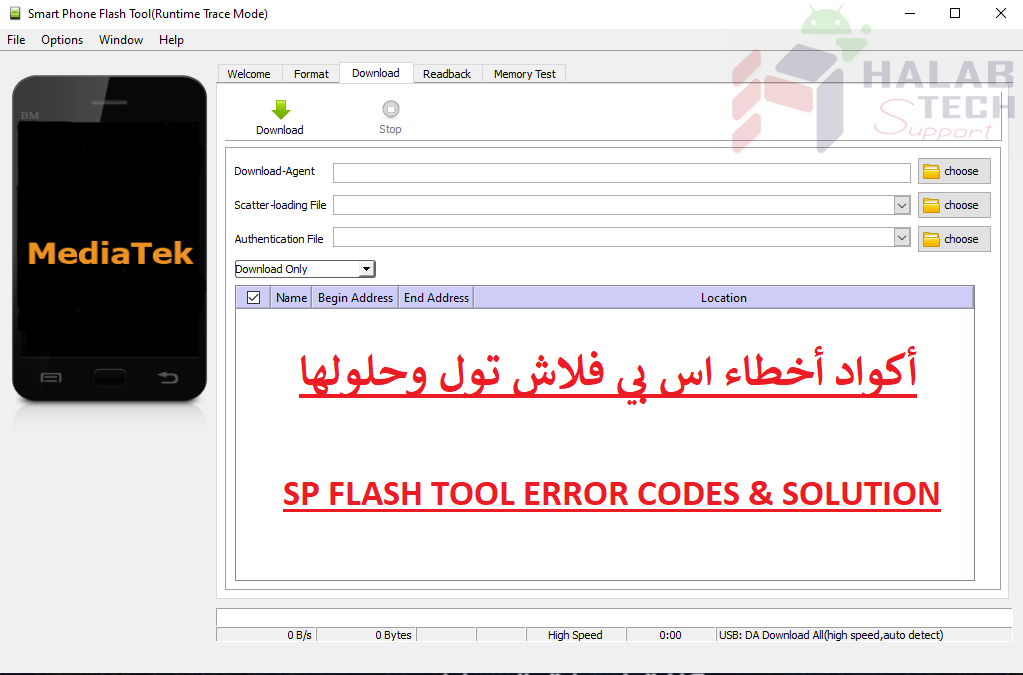
حل مشكلة خطأ 6124 Sp Flash Tool

اخلاء مسؤولية | DISCLAIMER
حل مشكلة خطأ 6124 Sp Flash Tool
رسالة الخطأ : BROM ERROR: S_SECURITY_INVALID_PROJECT (6124), MSO ERROR CODE: 0X00
معنى الخطأ : إعدادات الفلاش أو يوجد خطأ بالفلاشة
حل المشكلة :
تأكد من تعيين Download-Agent الصحيح في أداة SP flash وأنك تستخدم فلاشة مناسبة لطراز جهازك
انتقل إلى
Options > Option > Connection > USB Speed > Full Speed
انتقل إلى
Options > Option > Download > Untick DA DL All with Checksum
6024 Sp Flash Tool error solution
Error message:
BROM ERROR: S_SECURITY_INVALID_PROJECT (6124), MSO ERROR CODE: 0X00
Meaning of the error: the flash settings or there is an error in the flash
Solve the problem :
Ensure that the correct Download-Agent is set in the SP flash tool and that you are using an appropriate flash drive for your device model
Go to
Options> Option> Connection> USB Speed> Full Speed
Go to
Options> Option> Download> Untick DA DL All with Checksum
فريق حلب تك
حسن رشيد




 Telegram Channel
 WhatsApp Channel
 Facebook Page
 YouTube Channel