
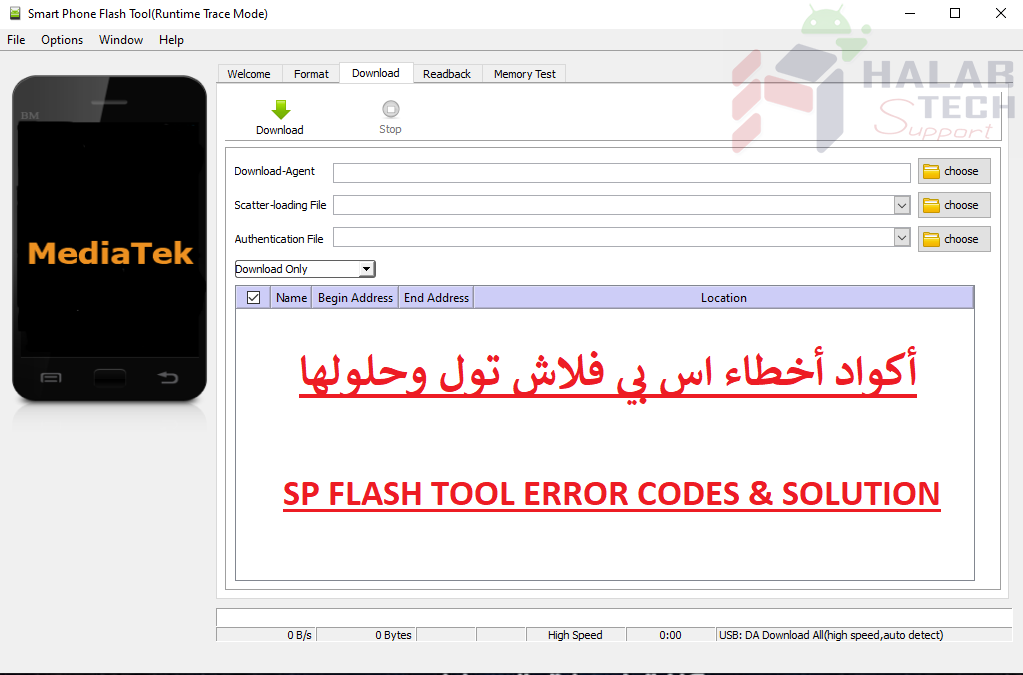
حل مشكلة خطأ 3149 sp flash tool

اخلاء مسؤولية | DISCLAIMER
حل مشكلة خطأ 3149 sp flash tool
رسالة الخطأ: BROM ERROR: S_DA_SDMMC_WRITE_FAILED (3149)
معنى الخطأ: أداة SP Flash غير قادرة على تفليش الملفات للهاتف
الحل:
تأكد من استخدامك لأحدث إصدار من أداة SP flash وتشغيلها كمسؤول
قم باختيار (Format + Download) أولاً ثم بالثانية (Download Only)
لا تضع علامة في المربع الذي يحتوي على مسار ملف فارغ / غير محدد
تأكد من إيقاف تشغيل الهاتف (مع وجود بطارية مشحونة جيدًا) قبل الاتصال بجهاز الكمبيوتر للتفليش
جرب جهاز كمبيوتر أخر
جرب ROM مختلفة
جرب سلك USB مختلف
حاول تهيئة الهاتف أولاً قبل تفليش الملفات
Solve the problem of Error 3149 Sp Flash tool
Error message: BROM ERROR: S_DA_SDMMC_WRITE_FAILED (3149)
Meaning of the error: SP Flash Tool is unable to flash files for phone
The solution:
Make sure you are using the latest version of the SP flash tool and running as an administrator
Select (Format + Download) first, then (Download Only) the second.
Do not check the box containing Empty / Unspecified file path
Make sure the phone is turned off (with a well-charged battery) before calling a computer to flash
Try another computer
Try a different ROM
Try a different USB cord
Try to initialize the phone first before flashing files
فريق حل تك
حسن رشيد






 Telegram Channel
 WhatsApp Channel
 Facebook Page
 YouTube Channel