
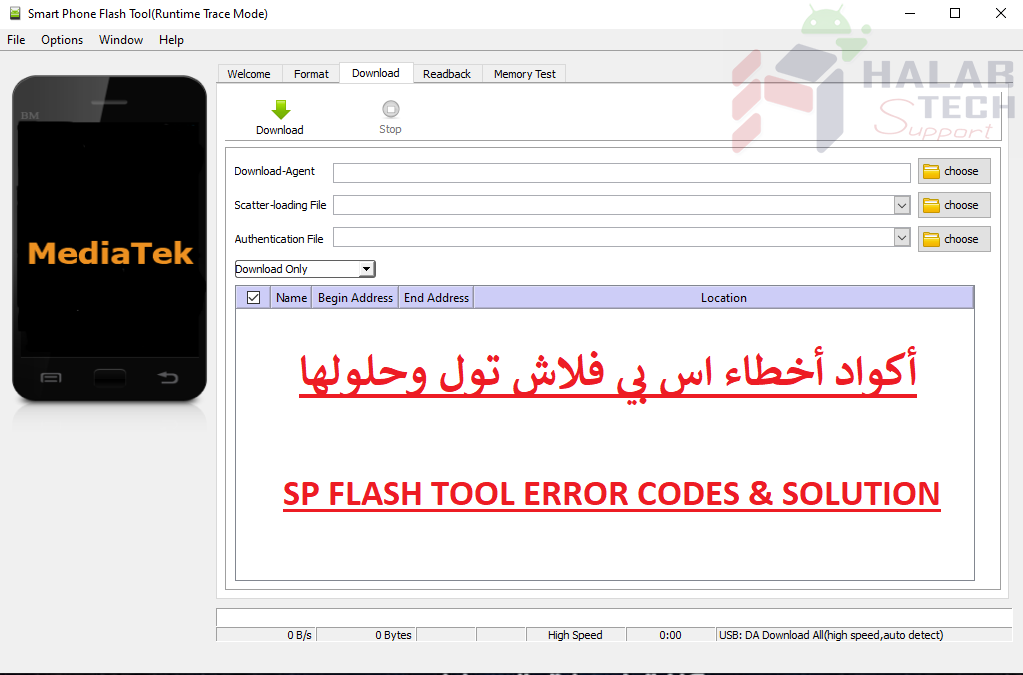
حل مشكلة خطأ 2004 sp flash tool

اخلاء مسؤولية | DISCLAIMER
حل مشكلة خطأ 2004 sp flash tool
رسالة الخطأ : BROM ERROR: S_FT_DOWNLOAD_FAIL (2004)
معنى الخطأ : حدث انقطاع في الاتصال بين أداة sp flash والجهاز
حل المشكلة :
أولا والاهم أن تقوم باختيار ملف da مناسب لنوع المعالج
أخرج البطارية وأعد تركيبها
حاول استخدام سلك USB ومنفذ وجهاز كمبيوتر مختلف
انقر بزر الماوس الأيمن فوق flash_tool.exe> حدد خصائص> حدد التوافق> تعيين إلى Windows XP Service Pack 3> انقر فوق تطبيق> انقر فوق موافق> تشغيل أداة SP flash كمسؤول
جرب سلك USB مختلف
جرب منفذًا مختلفًا على الكمبيوتر أو كمبيوتر آخر
تأكد من تغيير البطارية إذا كانت توجد فيها مشكلة وثم بالتفليش بوضع المغلق
2004 sp flash tool error solution
Error message: BROM ERROR: S_FT_DOWNLOAD_FAIL (2004)
Meaning of the error: The communication between sp flash and the device was interrupted
Solve the problem :
First and most importantly, you should choose a suitable da file for your processor type
Take out the battery and reinstall it
Try a different USB cord, port, and computer
Right-click flash_tool.exe> select Properties> select Compatibility> Set to Windows XP Service Pack 3> Click Apply> Click OK> Run SP flash tool as administrator
Try a different USB cord
Try a different port on the computer or another computer
Make sure to replace the battery if there is a problem and then flash it off
فريق حلب تك
حسن رشيد






 Telegram Channel
 WhatsApp Channel
 Facebook Page
 YouTube Channel