4- نقوم بعمل فورمات من الريكفري ثم نفوم بتفليش هذه الفلاشة لإضافة تطبيقات جوجل
5- نقوم بعمل رووت مع مراعاة الحمايات من هنا بعد اقلاع الجهاز نقوم بتثبيت Magisk Manager ونقوم باعادة تشغيل الهاتف للحصول على صلاحيات الرووت
6- نقوم بعمل باتش سيرت على شيميرا
Gathering phone info…
Collecting information. Be patient! Do NOT disconnect the phone!
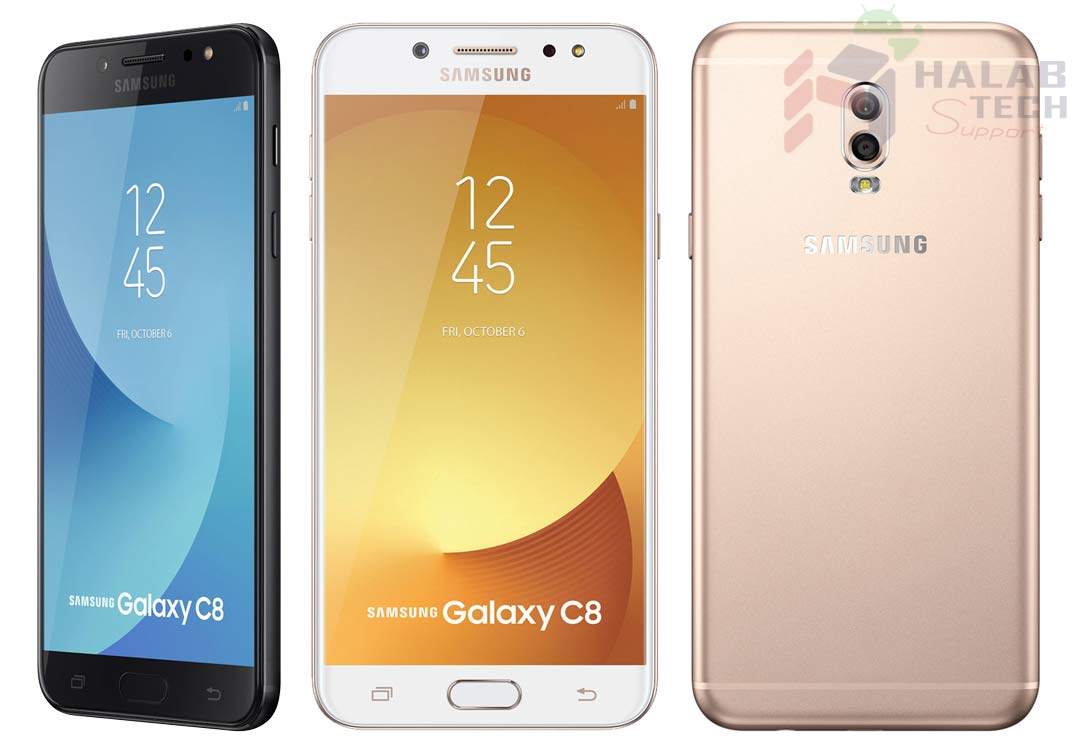
Model: SM-C7108
Sales Code: TGY
Country Code: Hong Kong
Timezone: Europe/Istanbul
Android Version: 7.1.1 [NMF26X] [SDK 25]
Build Date: Wed Sep 27 21:12:32 KST 2017
PDA Version: C7108ZHU1AQI4 [september 2017, rev4]
Phone Version: C7108ZMU1AQI2 [september 2017, rev2]
CSC Version: C7108ZZH1AQI4 [september 2017, rev4]
Product Code: TGY
HIDSw Version: C7108ZHU1AQI4/C7108ZZH1AQI4/C7108ZMU1AQI2/C7108ZHU1AQI4
Board Platform: MT6757
Modem Platform: MT6757
Serial Number: R28J94382FE
Imei: 3549xxxxxxxxxxxxxxx
Unique Number: CGX003F5ECCDF84
Connections: AT,MTP
Battery Status: 3.99V (82%)
Network Type: CDMA
SIM Status: ABSENT,ABSENT
Multisim Config: DSDS
Knox Version: v30
Warranty Bit: 0
Security Patch: 2017-08-01
Data Encryption State: encrypted
Preparing…
Checking root.
The phone is rooted by: 18.1:MAGISKSU (topjohnwu)
Checking current patchnetwork.
Reading data. Be patient! Do NOT disconnect the phone!
Restarting phone.
Waiting for ADB connection. Be patient! Do NOT disconnect the phone!
Patching networkificate…
The operation is in progress. Be patient! Do NOT disconnect the phone!
After the phone starts, the signal strength indicator will be OFF and after a few seconds it will be ON again.
You can check the status of the imei using: *#0011#
The patchnetwork can be removed by repeating the process.
If a new firmware is used, the patchnetwork process must be repeated.
Succeeded.
Successfully finished.



 Telegram Channel
 WhatsApp Channel
 Facebook Page
 YouTube Channel