
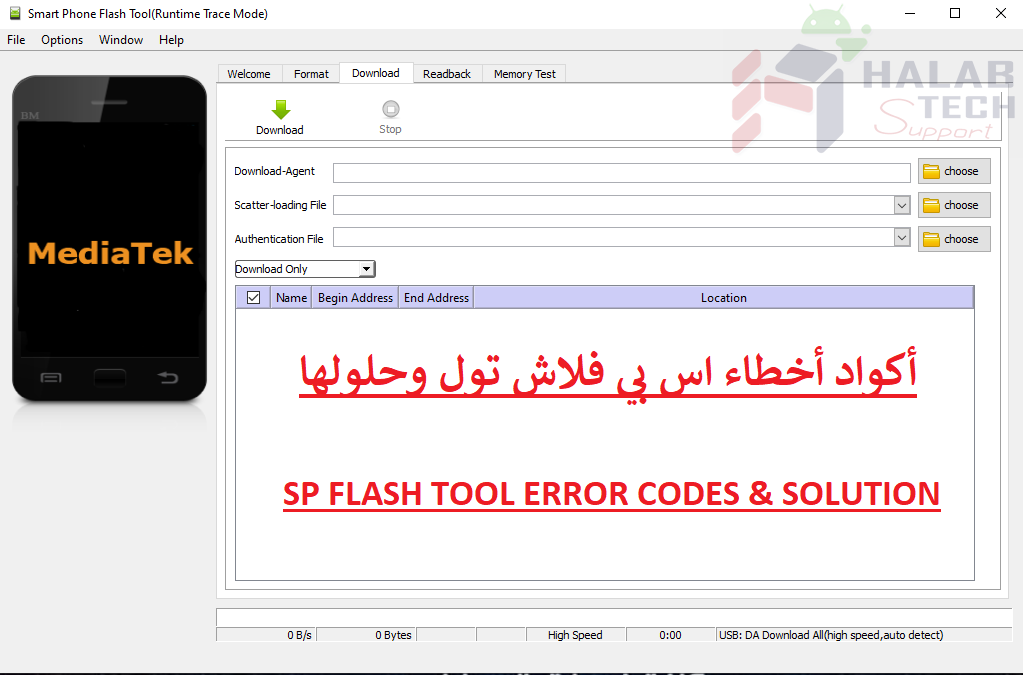
حل مشكلة خطأ 5054 sp flash tool

اخلاء مسؤولية | DISCLAIMER
حل مشكلة خطأ 5054 sp flash tool
رسالة الخطأ: BROM ERROR S_DL_GET_DRAM_SETTINGS_FAIL (5054)
معنى الخطأ: الملفات التي تحاول تفليشها لا تتتوافق مع الهاتف الذي تحاول تفليشه أو تحديثه
وإذا كان الخطأ يظهر أثناء القيام بتفليش الجهاز واختيار format
فمن المحتمل أنك قمت بتحميل ملف scattar فقط دون ما تبقى من الملفات في الفلاشة
الحلول:
إذا كنت تحاول تحديث البرامج الثابتة ، فتأكد من أنك تستخدم الملفات الصحيحة. إذا كنت متأكدًا من ذلك ، فحاول اختيار خيار format قبل التفليش مرة أخرى
إذا كنت تحاول بقيام عمل format ، فتأكد من أن ملف scattar الذي قمت بتحميله على أداة SP flash يحتوي على مواقع ملفات الفلاشة كامل
Solve a 5054 error problem
Error message: BROM ERROR S_DL_GET_DRAM_SETTINGS_FAIL (5054)
Meaning of the error: The files you are trying to flash are not compatible with the phone you are trying to flash or update
If the error appears while flashing the device and choose format
It is possible that you only downloaded the scattar file without remaining files in the flash
The solutions:
If you are trying to update the firmware, make sure you are using the correct files. If you are sure of that, try choosing the format option before flashing again
If you are trying to do a format job, make sure that the scattar file you have uploaded to SP flash contains the entire flash file locations.
فريق حلب تك
حسن رشيد
 Telegram Channel
 WhatsApp Channel
 Facebook Page
 YouTube Channel