
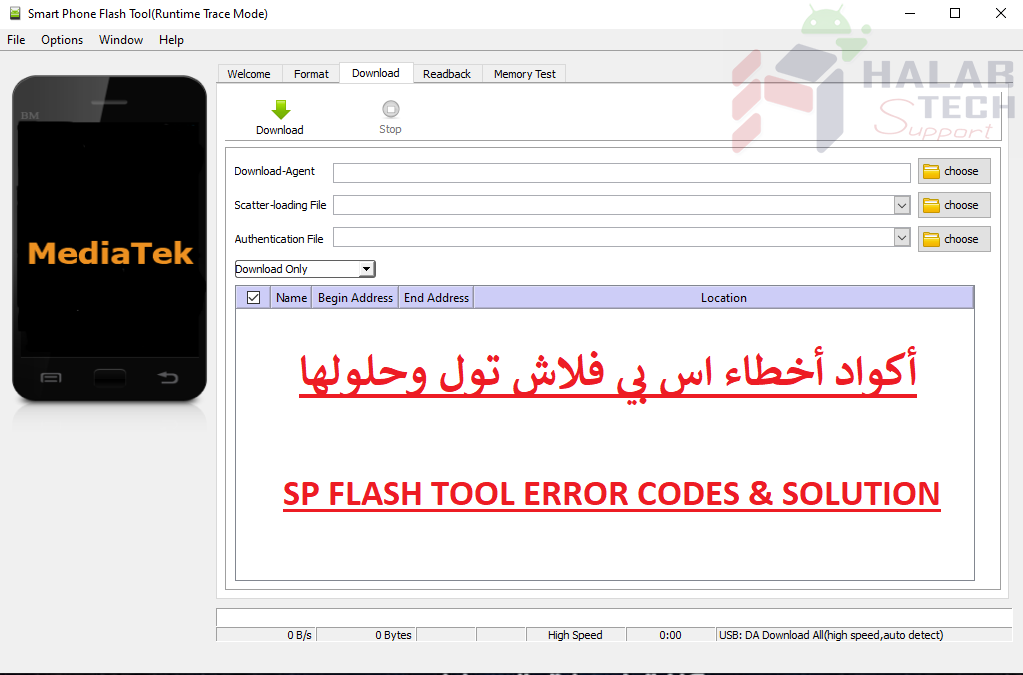
حل مشكلة خطأ 4032 على برنامج SP FLASH TOOL

اخلاء مسؤولية | DISCLAIMER
حل مشكلة خطأ 4032 على برنامج SP FLASH TOOL
رسالة الخطأ : BROM ERROR : S_FT_ENABLE_DRAM_FAIL (4032) [EMI] Enable DRAM fail
الحل:
تأكد من أن الملفات التي تحاول تفليشها هي مناسبة للجهاز ومطابقة لطراز هاتفك
تأكد من تحديد المربعات للملفات الموجودة في ROM التي تحاول تفليشها
ربما تم تثبيت تعاريف غير مناسبة او مضروبة قم بإلغاء تثبيت تعاريف vcom و preloader و MTK ثم أعد تثبيتها يدويًا
احذف مجلد أداة sp flash ثم أعد استخراجها
تأكد من إيقاف تشغيل الهاتف (مع بقاء البطارية بالداخل) قبل الاتصال بجهاز الكمبيوتر من أجل التفليش
إذا لم ينجح ذلك ، فاستمر في الضغط باستمرار على زر خفض مستوى الصوت قبل توصيل الهاتف بجهاز الكمبيوتر مباشرة من أجل التفليش (يمكنك تجربة زيادة مستوى الصوت أو خفض الطاقة + مستوى الصوت أو الطاقة + زيادة الصوت).
استخدام أحدث إصدار من أداة Sp Flash
قم بتهيئة الهاتف قبل محاولة تحديث الملفات
Resolves Error 4032 on SP FLASH TOOL
Error message: BROM ERROR: S_FT_ENABLE_DRAM_FAIL (4032) [EMI] Enable DRAM fail
The solution:
Make sure the files you are trying to flash are device-friendly and match your phone model
Make sure to check the boxes for the files in the ROM you are trying to flash
Unsuitable or multiplied drivers may have been installed Uninstall the vcom, preloader, and MTK definitions and then reinstall them manually
Delete the sp flash tool folder and re-extract it
Make sure the phone is turned off (with the battery still inside) before contacting the computer for flashing
If that doesn’t work, keep holding the Volume Down button directly before connecting the phone to the computer for flashing (you can try Volume Up, Power Down + Volume, or Power + Volume Up).
Using the latest version of Sp Flash Tool
Format the phone before attempting to update files
فريق حلب تك
حسن رشيد


 Telegram Channel
 WhatsApp Channel
 Facebook Page
 YouTube Channel