
UMTv2/UMTPro QcFire v12.7

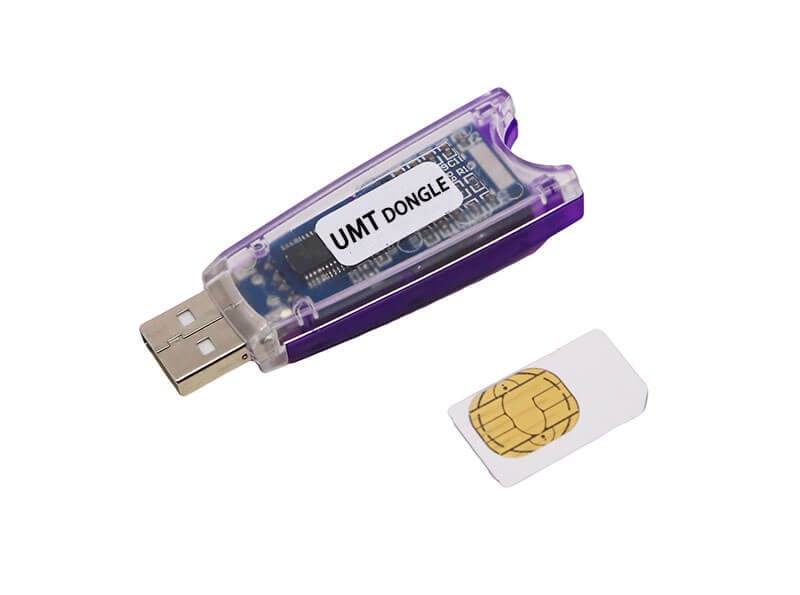
UMTv2/UMTPro QcFire v12.7
للتفعيل For Activation From here من هنا
We are pleased to announce
UMTv2 / UMT Pro
Innovative and Intelligent
QcFire v12.7
The Ultimate Qualcomm Tool
Supported Functions
– Read / Write Firmware
– Backup / Restore QCN
– IMEI Repair in FTM/Diag + Flash Mode
– Backup / Reset / Restore Security (EFS)
– Reset FRP (Google Factory Reset Protection)
– Format UserData
– Read Pattern Lock (Android < 6.0, Un-Encrypted Devices Only)
– Reset Locks (PIN, Password, Pattern w/o Data Loss, Un-Encrypted Devices Only)
– Enable Diag (Need OEM Unlock, May not work on BL Locked Devices)
– Reboot to EDL from Fastboot
– Reset Mi Account for Xiaomi Devices
– Disable Mi Account for Xiaomi Devices
– Factory Reset (sideload Mode) for Xiaomi Devices
– Disable / Restore Locks for Encrypted Userdata
– Motorola Boot Repair
– Xiaomi EDL Locked Device Service
– Bootloader Unlock in EDL Mode for some Xiaomi Devices
– One Click Root in EDL Mode for Generic Qualcomm Devices
– Forensic Functions (Read Contacts / Messages in EDL Mode)
– One Click Lock Reset for Vivo Phones (Encrypted Userdata)
– Factory Method for Format FS
– EDL Authentication using Xiaomi Auth App (Service Account Required)
– Xiaomi Wipe EFS in Sideload Mode
– Xiaomi IMEI Repair for RSA Protected Phones
– Xiaomi Boot Loader Unlock
– Unique Method for Vivo Reset Locks for Protected Devices
– Xiaomi EDL Auth Using UMT Server
– Xiaomi Flashing in Fastboot Mode
– Nokia Factory Firmware (nb0) Direct Flashing in EDL mode
– Oppo OFP Firmware Exctration Added
– Xiaomi Free Auth Service (bypass).
– Mi Account Reset without Relock
– Mi Account Patch on Flashing (EDL/Fastboot)
– Samsung MDM Unlock in EDL Mode
– Huawei ID Reset
– Vivo Functions in Fastboot Mode
– Universal Huawei ID Reset
– Xiaomi Sideload Reset FRP/Mi Account
– Xiaomi Sideload Firmware Update
– Xiaomi Temporary BL Unlock
– Xiaomi Enable Diag (NO ROOT)
– Samsung Lost Mode Reset in EDL Mode
– Samsung KG Bypass
– Samsung Unbrick / Dead Boot Repair
– Samsung TAR to Unbrick Firmware Creator
– Xiaomi Auth Bypass For Newer Devices
Added:
Huawei
– P60 (LNA-AL00)
Lenovo
– Tab K11 Plus (TB352FU)
Samsung
– Galaxy A05s (SM-A057G) BIT-8
– Galaxy A23 (SM-A235M) BIT-C
– Galaxy F14 4G (SM-E145F) BIT-7
– Galaxy M55 5G (SM-M558B) BIT-2
– Galaxy S20 FE 5G (SM-G781W) BIT-H
– Galaxy S21 5G (SM-G991U) BIT-H
– Galaxy S21 FE 5G (SM-G990B) BIT-G
– Galaxy S21 FE 5G (SM-G990U) BIT-J
– Galaxy S21 Ultra 5G (SM-G998U) BIT-H
– Galaxy S21+ 5G (SM-G996U) BIT-H
– Galaxy S22 Ultra 5G (SM-S908U1) BIT-8
– Galaxy S24 Ultra (SM-S928W) BIT-4
– Galaxy S24+ (SM-S926W) BIT-4
– Galaxy Tab S6 Lite (SM-P613F) BIT-8
– Galaxy Tab S8 Ultra 5G (SM-X906B) BIT-9
Xiaomi
– POCO M7 (creek)
– POCO M7 Plus 5G (spring)
– Redmi 15 (creek)
– Redmi 15 5G (spring)
– Redmi Note 11 NFC (spesn) OS1.0.11.x
– Redmi Note 12 Pro 4G (sweet_k6a)
CONNECTION METHOD FOR SAMSUNG:
Method to connect some Samsung Devices is already in Log.
For newer devices, do the following:
– Hold VOL UP + DOWN on Device.
– Hold Button on EDL Cable.
– Insert Cable to Device while holding EDL Cable Button.
– Now rapidly click both VOL UP + DOWN at the same time.
– Once you have clicked VOL UP + DOWN more than 3 times, leave EDL Cable Button but keep rapidly clicking VOL UP + DOWN.
– Stop clicking VOLUME Buttons once device is connected in EDL Mode.
Special thanks to all our users who helped us with their test reports.
Please use UMT Card Manager to Update Card Counter / Firmware / Activate Add-on, available via Support Access.


 Telegram Channel
 WhatsApp Channel
 Facebook Page
 YouTube Channel