
UMTV2/UMRPRO ULTIMATEMTK2 V2.8

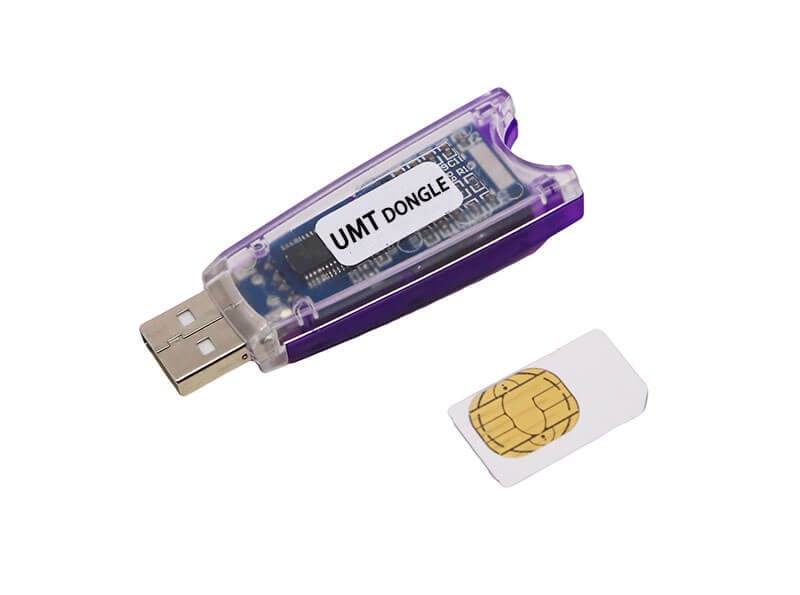
UMTV2/UMRPRO ULTIMATEMTK2 V2.8
للتفعيل For Activation From here من هنا
Infinix/Tecno/iTel Exclusive Functions:
Remove Security Plugin (META)
– You need to do Reset FRP (META) after it.
– Tested Devices:
– Tecno Spark 20C (BG7) Android 13, Jan 2025
Remove Payjoy (META)
– You need to do Reset FRP (META) after it.
Reset FRP (Android 15 Supported) (META)
– Tested Devices:
– Infinix Note 40 (X6853) Android 15, May 2025
– Infinix Smart 9 (X6532) Android 14, Apr 2025
– Infinix Smart 9 HD (X6532C), Android 14, Mar 2025
– Tecno Spark 20C (BG7) Android 13, Jan 2025
– Tenco Spark 20 Pro 5G (KJ8), Android 14, Feb 2025
Safe Format (META)
– Tested Devices:
– Infinix Note 40 (X6853) Android 15, May 2025
– Infinix Smart 9 (X6532) Android 14, Apr 2025
– Infinix Smart 9 HD (X6532C), Android 14, Mar 2025
– Tecno Spark 20C (BG7) Android 13, Jan 2025
– Tenco Spark 20 Pro 5G (KJ8), Android 14, Feb 2025
Instruction for Reset FRP and Safe Format (META):
– You must have scatter for your device.
– No need of same firmware, but model should be same.
– Selecting wrong scatter can damage your device.
Security Plugin Bypass (ADB)
– This option is listed in Infinix/Tecno/iTel (ADB) Group
– After Removing Security in META mode, you may need to use this function.
Added XIAOMI (gold HyperOS 2025) in PL Exploit
– Select Local SLA V2 and use Reset FRP 2025.
Some minor changes and improvements



 Telegram Channel
 WhatsApp Channel
 Facebook Page
 YouTube Channel