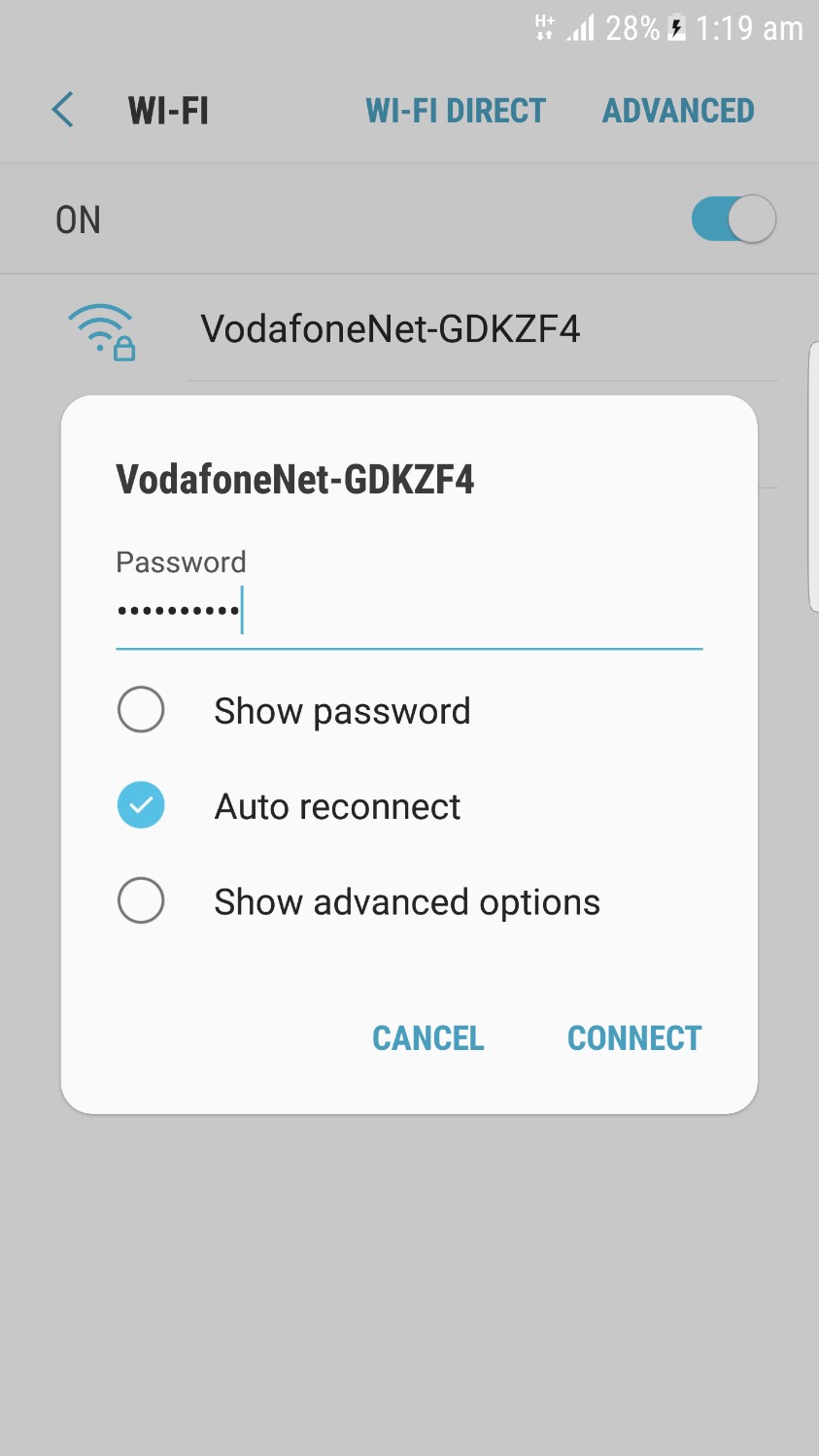
We may to face that strange problem after update to 7.0 and … that phone forgets the password of wifi network after rebooting .
the main reason for that problem
phone’s /efs/ss_data file. I think it’s basically a key for decryption of Wi-Fi passwords and other things in secure storage.
Root is required for this fix.
Install BuildProp Editor from Play Store
Set ro.secure.storage=false
Reboot, setup Wi-Fi & reboot again
WiFi should now remember passwords if there was an issue
let’s fix the secure storage by another way
Set ro.secure.storage=true using BuildProp Editor
Backup EFS using TWRP/CWM recovery
Delete ss_data in /efs using ES File Explorer in root mode








 Telegram Channel
 WhatsApp Channel
 Facebook Page
 YouTube Channel