
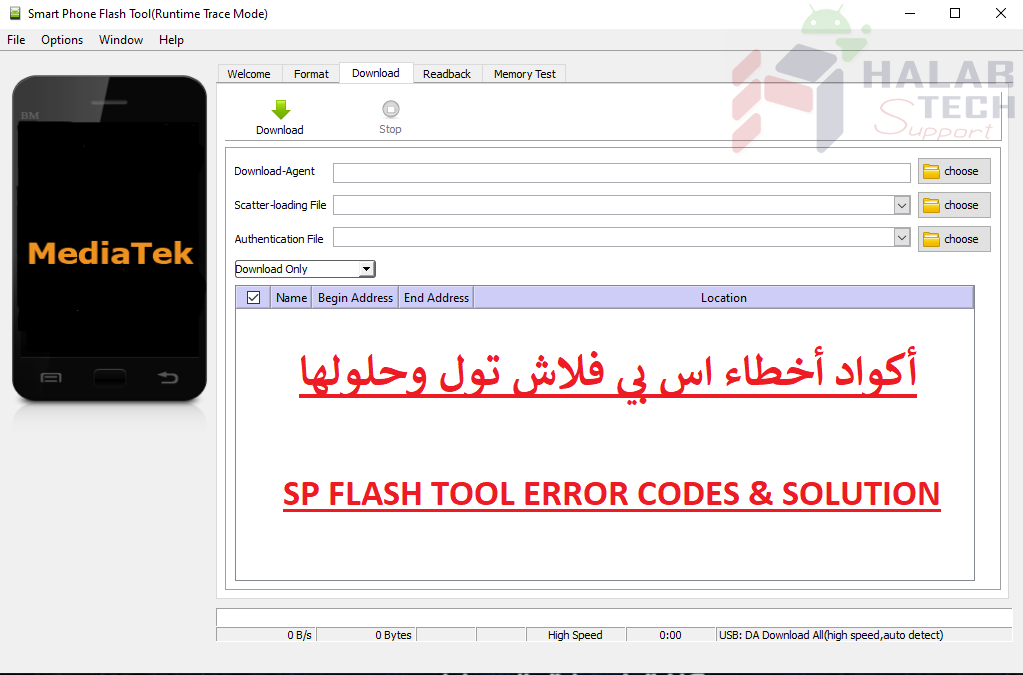
حل مشكلة خطأ 8417 SP Flash Tool

اخلاء مسؤولية | DISCLAIMER
حل مشكلة خطأ 8417 SP Flash Tool
رسالة الخطأ : BROM ERROR: Initialize scatter file failed. Please check the scatter file name you load is legal
معنى الخطأ: تنسيق الملف Scattar غير صالح
حل المشكلة:
افتح ملف Scattar في Notepad ++ أو بالمفكرة ، يجب أن يبدأ السطر الأول بـ:
################################################## ################################################## ########## General Setting #
إذا كان هناك أي شيء آخر فوق هذا ، فاحذفه واحفظ الملف Scattar
Solve the error 8417 SP Flash Tool
Error message: BROM ERROR: Initialize scatter file failed. Please check the scatter file name you load is legal
The meaning of the error: The Scattar file format is invalid
Solve the problem:
Open the Scattar file in Notepad ++ or in Notepad. The first line should start with:
############################################## ############################################## ########## General Setting #
If there is anything else on top of this, delete it and save the file Scattar
فريق حلب تك
حسن رشيد






 Telegram Channel
 WhatsApp Channel
 Facebook Page
 YouTube Channel