
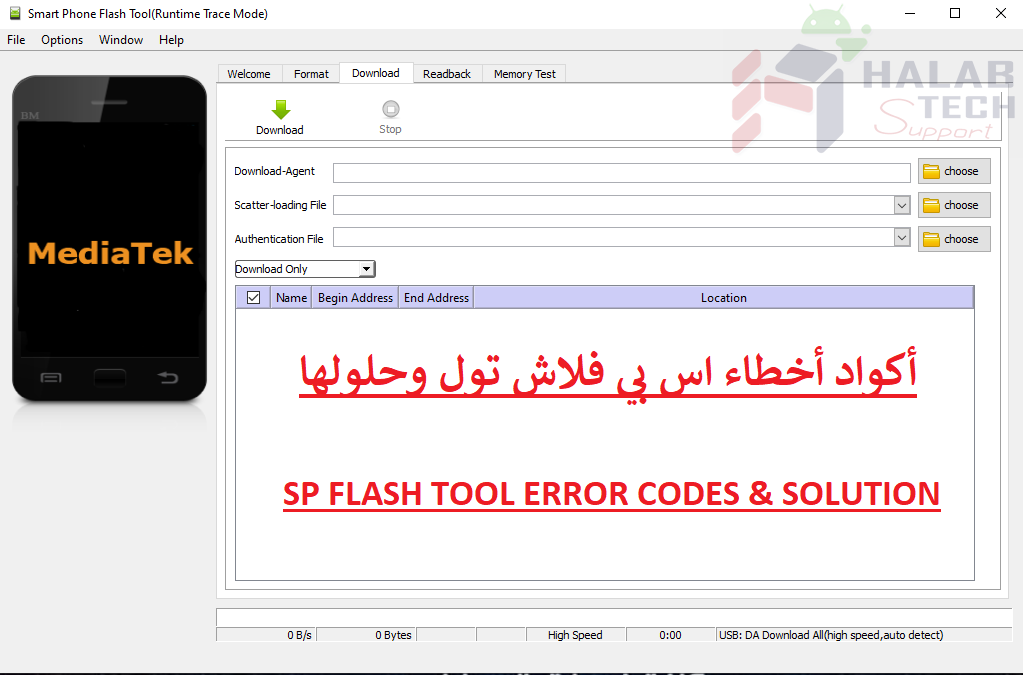
حل مشكلة فصل الهاتف تلقائيا أثناء التفليش لأجهزة معالج MTK

اخلاء مسؤولية | DISCLAIMER
حل مشكلة فصل الهاتف تلقائيا أثناء التفليش لأجهزة معالج MTK
الخطأ :
يصدر الهاتف صوت الفصل بمجرد بدء التفليش ، مما يقطع عملية التفليش
الحول :
جرب سلك USB مختلفًا ومنفذ USB أخر وجهاز كمبيوتر أخر
حاول الضغط باستمرار على خفض مستوى الصوت أو يمكنك محاولة زيادة مستوى الصوت أو يمكنك
محاولة الضغعط خفض ورفع الصوت
أثناء توصيل الهاتف بالكمبيوتر الشخصي للتفليش
قم بالتحقق من تعرف الجهاز على الكمبيوتر بتشغيل مدير الأجهزة
(انقر بزر الماوس الأيمن على جهاز الكمبيوتر> حدد إدارة)
قم بتوصيل الهاتف بالكمبيوتر الشخصي عبر سلك USB
يجب أن يتم تحديث Device Manager
لاحظ ما تم اكتشافه على الكمبيوتر
(غالبًا يكون باسم Unknown أو Mediatek ضمن أجهزة أخرى)
إذا كان تعريف الجهاز (غير معروف أو mt65xx Preloader)
يجب أن تقوم بتنضيب تعاريف
قم بتنزيل التعاريف من هنا
ولمشاهدة طريقة تنصيب التعاريف من هنا
Solve the problem of automatically disconnecting the phone during flashing
The error :
The phone beeps once the flash starts to flash, which interrupts the flashing process
Solutions:
Try a different USB cord, another USB port, and another computer
Try holding down the volume down or you can try increasing the volume or you can try pressing down and raising the volume
While connecting the phone to the PC to flash
(Check that the device is recognized on the computer by running the device manager (right click on the computer> select Manage
Connect the phone to the PC via USB cable, Device Manager must be updated
(Note what was discovered on the phone (often called Unknown or Mediatek among other devices
(If the device driver (unknown or mt65xx Preloader
You must refine the drivers
Download the drivers from here
To see how to install the drivers from here
فريق حلب تك
حسن رشيد



 Telegram Channel
 WhatsApp Channel
 Facebook Page
 YouTube Channel