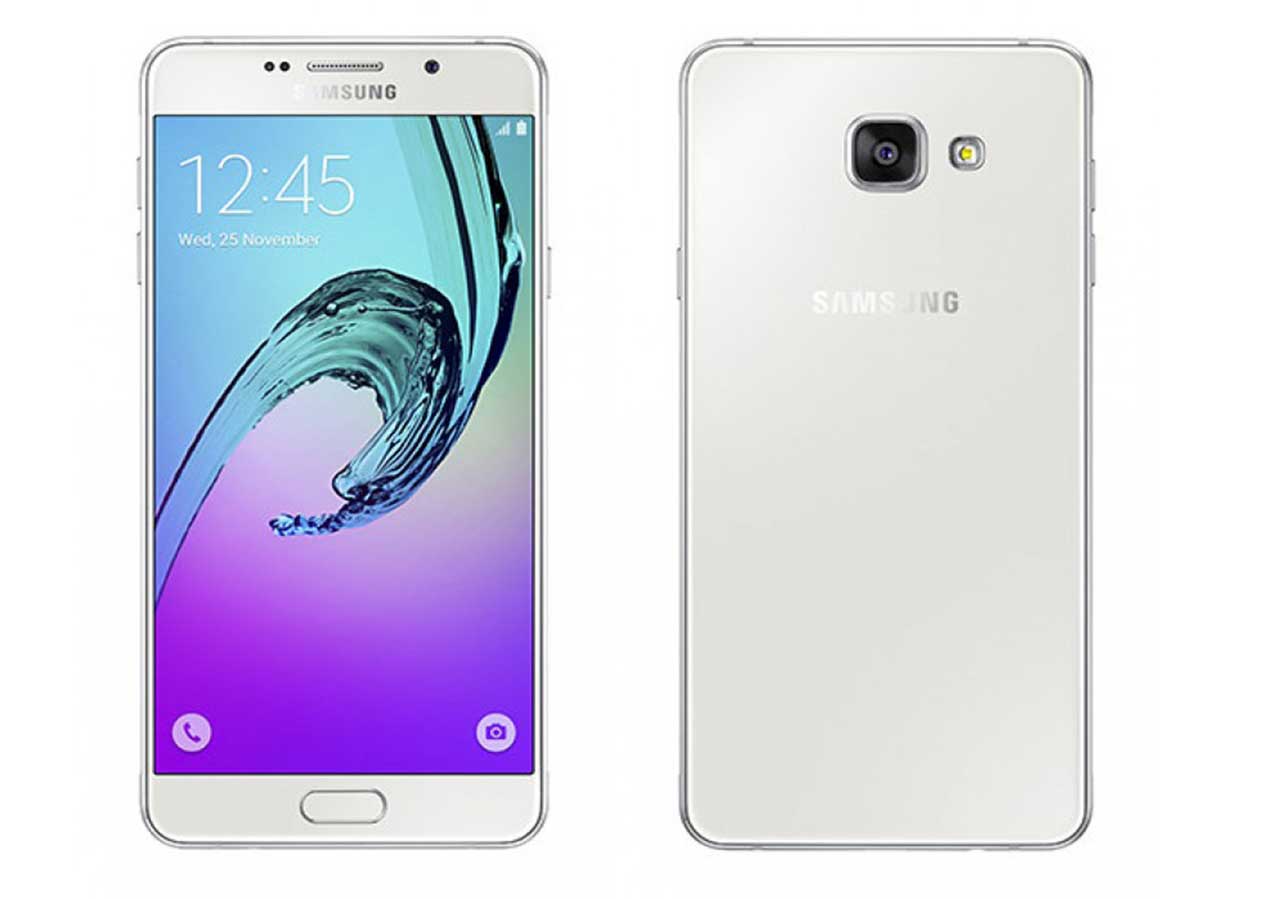
ثانيا نضع الجهاز في وضع الداونلود ونتوجه الى تبويب Qualcomm ونختار موديل SM-A500F ونقوم بالضغط على RESET FRP/reactivation
ننظر 5 دقايق حتى يعمل جهار ونقوم بتفعيل وضع المطورين ونفعل oem ونقوم بضبط مصنع ومبروك
هذه لوغو العمليه
Welcome to Octoplus/Octopus Box Samsung software version 2.6.0
———————————————————————————–
To connect SM-J500F phone you have to perform the following steps:
1. Disconnect USB cable from phone.
2. Go to Menu->Settings->More->About Device.
3.Tap on “Build number” 7 times to enable developer options.
4. Go to Menu->Settings->More->Developer options.
5. Turn on “USB Debugging” option.
6. Go to dial window.
7. Enter “*#0808#” number.
8. Select “DM+Modem+ADB”.
9. Press Home button.
10. Press “Read Info” in software.
———————————————————————————–
To connect SM-J700H phone you have to perform the following steps:
1. Disconnect USB cable from phone.
2. Go to Menu->Settings->More->About Device.
3.Tap on “Build number” 7 times to enable developer options.
4. Go to Menu->Settings->More->Developer options.
5. Turn on “USB Debugging” option.
6. Go to dial window.
7. Enter “*#0808#” number.
8. Select “DM+Modem+ADB”.
9. Press Home button.
10. Press “Read Info” in software.
———————————————————————————–
To connect SM-J500F phone you have to perform the following steps:
1. Disconnect USB cable from phone.
2. Go to Menu->Settings->More->About Device.
3.Tap on “Build number” 7 times to enable developer options.
4. Go to Menu->Settings->More->Developer options.
5. Turn on “USB Debugging” option.
6. Go to dial window.
7. Enter “*#0808#” number.
8. Select “DM+Modem+ADB”.
9. Press Home button.
10. Press “Read Info” in software.
———————————————————————————–
To connect SM-A500F phone you have to perform the following steps:
1. Disconnect USB cable from phone.
2. Go to Menu->Settings->More->About Device.
3.Tap on “Build number” 7 times to enable developer options.
4. Go to Menu->Settings->More->Developer options.
5. Turn on “USB Debugging” option.
6. Go to dial window.
7. Enter “*#0808#” number.
8. Select “DM+Modem+ADB”.
9. Press Home button.
10. Press “Read Info” in software.
———————————————————————————–
Platform: Samsung Android
Selected port: COM46
Selected model: SM-A500F
Reset FRP/ Reactivation lock operation for SM-A500F will delete all
user data on the phone (contacts, pictures and others)!
NOTE: You can reset FRP/ Reactivation without losing user data via
Factory Reset FRP/ Reactivation service.
Connecting to server…
Connecting to server…Ok!
Checking resource files…
Performed by 2.6.0 Software version.
———————————————————————————–
Platform: Samsung Android
Selected port: COM46
Selected model: SM-A500F
Reset FRP/ Reactivation lock operation for SM-A500F will delete all
user data on the phone (contacts, pictures and others)!
NOTE: You can reset FRP/ Reactivation without losing user data via
Factory Reset FRP/ Reactivation service.
Connecting to server…
Connecting to server…Ok!
Checking resource files…
Resource files already downloaded.
Please put the phone into Download Mode and connect USB cable.
To put SM-A500F into Download Mode, You have to perform the
following steps:
1. Reconnect the battery.
2. Press and hold “Volume-” + “Home” + “Power ON” keys.
3. When phone turns on, press “Volume+” key.
Waiting for phone…
Firmware write started.
Writing Custom section…
Custom section has been written successfully.
FRP lock is successfully reseted!
Wait 3-4 min then goto “Menu -> Settings -> Backup and reset” and
make “Factory data reset”
Performed by 2.6.0 Software version.


 Telegram Channel
 WhatsApp Channel
 Facebook Page
 YouTube Channel