ما عليك الا عمل روت عن طريق ريكفري معدل حصرااااا لعدم وقوع اي مشاكل من هنا
ثم تثبيت روت ماجيسك عن طريق اداة حلب تك
ثم عمل ريبير ايمي
ثم باتش
بعدها يقلع الجهاز ننتظر دقيقه ومبرووك
لوغو العملية
Patch networkificate started
Gathering phone info…
Collecting information. Be patient! Do NOT disconnect the phone!
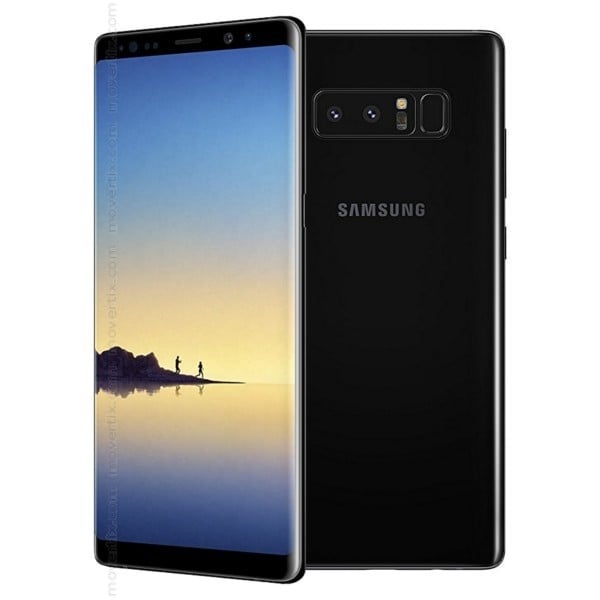
Model: SM-N950F
Sales Code: XSG
Country Code: UAE
Timezone: Asia/Damascus
Android Version: 9 [PPR1.180610.011] [SDK 28]
Build Date: Mon Jul 8 10:35:00 KST 2019
PDA Version: N950FXXS7DSG1 [july 2019, rev1]
Phone Version: N950FXXS7DSG1 [july 2019, rev1]
CSC Version: N950FOXM7DSG1 [july 2019, rev1]
Product Code: XSG
HIDSw Version: N950FXXS7DSG1/N950FOXM7DSG1/N950FXXS7DSG1/N950FXXS7DSG1
Board Platform: EXYNOS5
Modem Platform: SHANNON355
Serial Number: R58JB36XGMP
Imei: 352993052984267
Unique Number: 988A973149484C555630
Connections: AT,MTP
Battery Status: 3.77V (15%)
Network Type: GSM
SIM Status: LOADED,ABSENT
Multisim Config: DSDS
Knox Version: v30
Warranty Bit: 0
Security Patch: 2019-07-01
Data Encryption State: unencrypted
Preparing…
Checking root access.
The phone is rooted by: 19.3:MAGISKSU
Reading data…
The operation is in progress. Be patient! Do NOT disconnect the phone!
Waiting for ADB connection. Be patient! Do NOT disconnect the phone!
Patching networkificate…
Checking root access.
About 30-90 seconds after the phone starts, the signal strength indicator turns OFF and then turns ON again after a few seconds.
You can check the status of the imei using: *#0011#
The patchnetwork can be removed by repeating the process.
If a new firmware is used, the patchnetwork process must be repeated.
Successfully finished.
Finished at local time: [١١.٠٦.١٩ ١١:٢٣:٣١]
WorkID: 78336778



 Telegram Channel
 WhatsApp Channel
 Facebook Page
 YouTube Channel