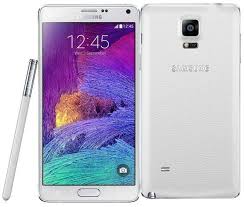
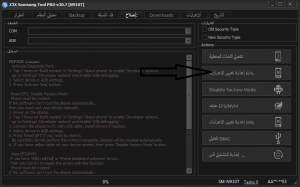
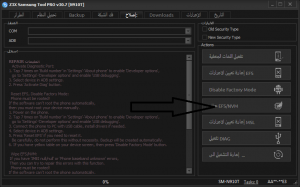
as we know sometimes we need to restore orginal imei after we write network for samsung mobile first you must root the device from here second take backup QCM-EFS-SEC third open z3x box and go to repair section and reset efs
and wipe efs/nvm
the phone will restart and will restore orginal imei but when we insert sim the phone will ask for network code unlock the solution download this modem from here
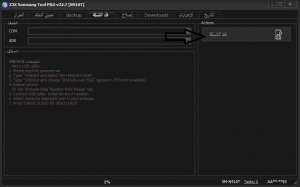
and flash via odin the imei will hiden don not worry open z3x box and go to unlock section and do unlock network
then flash the phone with combination rom from here
and do wipe data and wipe cach in recovery mode
last step flash official rom from here
best regard from halab tech team






 Telegram Channel
 WhatsApp Channel
 Facebook Page
 YouTube Channel
الموضوع بالانجليش والصور الكلام بالعربي
اخي في مقال تاني بالعربي اذا بدك