
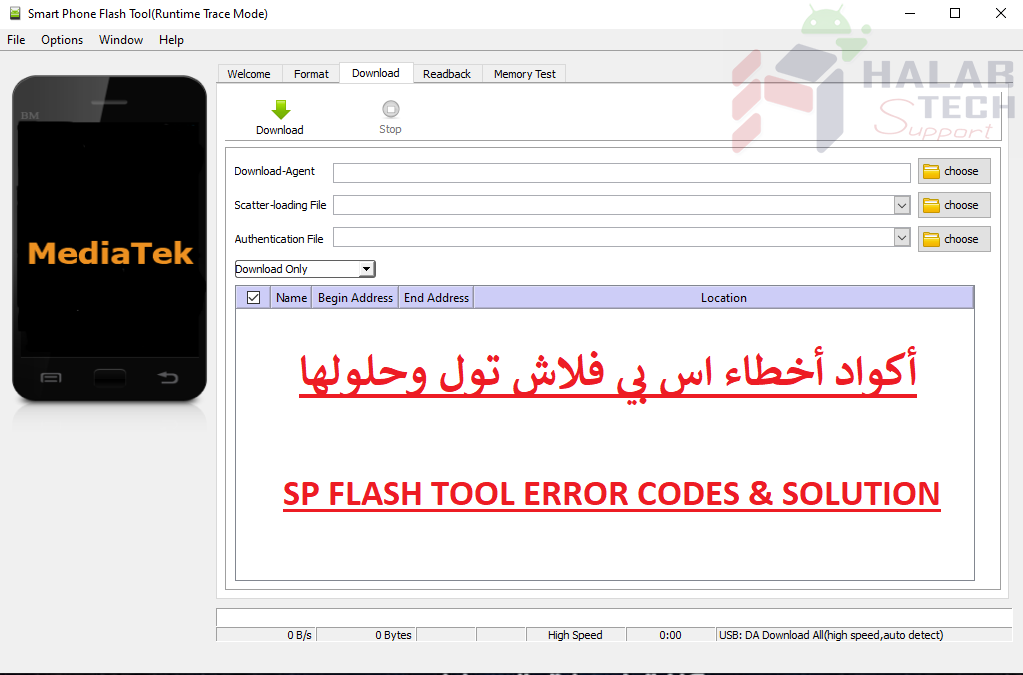
حل مشكلة خطأ 2020 SP Flash tool

اخلاء مسؤولية | DISCLAIMER
حل مشكلة خطأ 2020 SP Flash tool
رسالة الخطأ : BROM ERROR: S_BROM_CHKSUM16_MEM_RESULT_DIFF (2020)
معنى الخطأ : واجهت أداة SP flash مشكلة في نقل الملفات المراد تفليشها في ذاكرة SRAM الداخلية للهاتف
حل المشكلة:
استخدم أحدث إصدار من أداة SP flash
في أداة SP flash ، انتقل إلى Options> Option> Connection> Battery. اضبطه على “with battery“.
استخدم خيار Format all + Download
اضغط مع الاستمرار على زري رفع وخفص الصوت قبل وصل الجهاز بالكمبيوتر للتفليش ويجب تحرير ازرار الصوت بمجرد بدء التفليش
Solve the 2020 SP Flash tool error problem
Error message: BROM ERROR: S_BROM_CHKSUM16_MEM_RESULT_DIFF (2020)
Meaning of the error: The SP flash tool encountered a problem transferring files to be flashed into the phone’s internal SRAM memory
Solve the problem:
Use the latest version of SP flash tool
In the SP flash tool, go to Options> Option> Connection> Battery. Set it to “with battery“.
Use Format all + Download option
Press and hold the volume up and down buttons before connecting the device to the computer to flash, and the volume buttons must be released once the flashing starts
فريق حلب تك
حسن رشيد



 Telegram Channel
 WhatsApp Channel
 Facebook Page
 YouTube Channel